Disposable Notes | Delete Most of What You Write, Without Fear
Most of what you write down expires in two days. A routing habit that sends the rest where it belongs and empties the inbox every Friday.
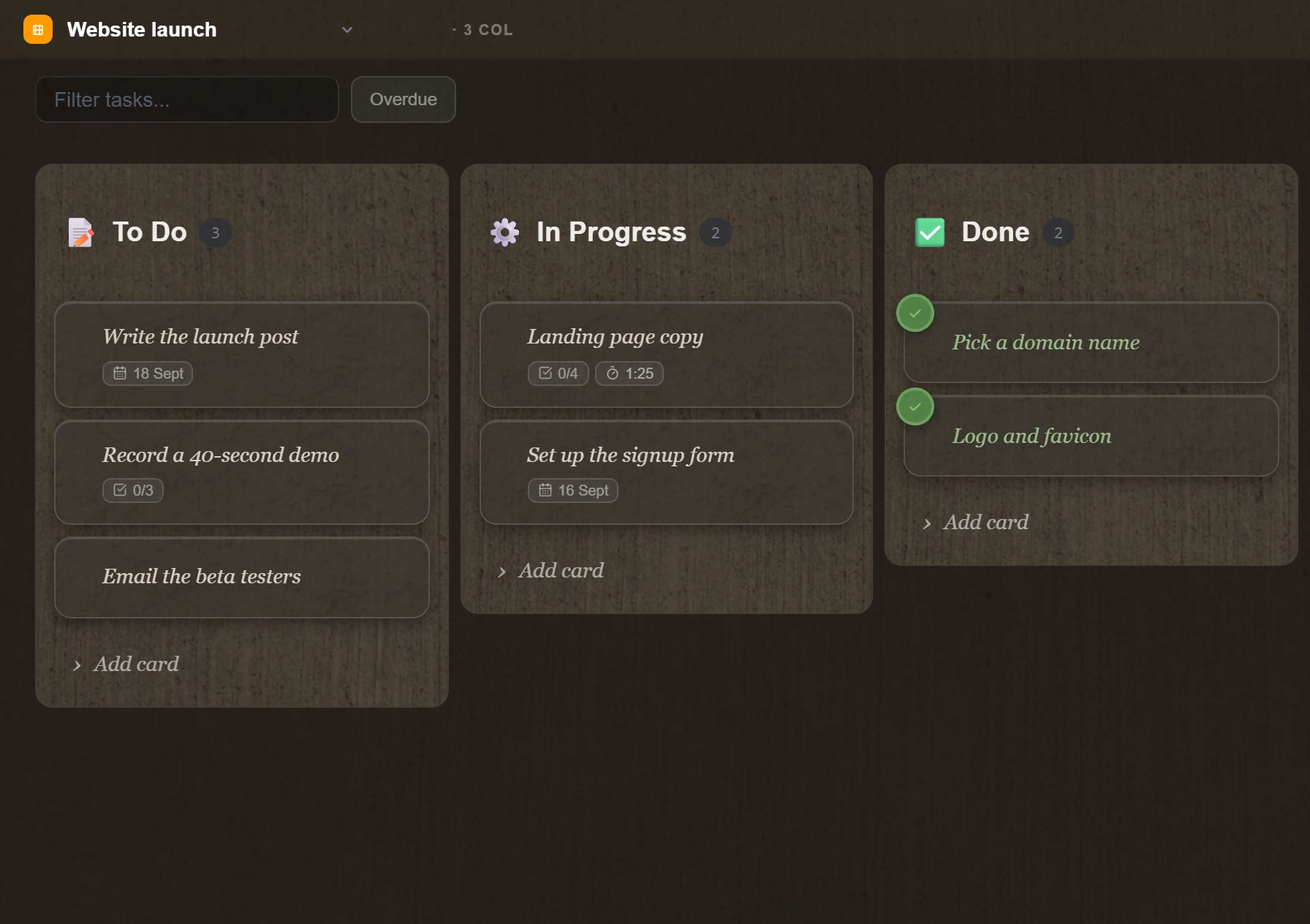
Modern tools trained us to behave like archivists. Tag it, link it, file it, keep it. The uncomfortable part is that most of what we save has a shelf life of about two days: the grocery list, the meeting link, the draft of a message, a tracking number. Those are disposable notes, and treating them like knowledge is what turns a system into an attic.
What the archive costs you
Search gets slower and worse. Looking for a project brief means walking past forty expired daily pages from three years ago.
The backlog stares at you. An inbox with three hundred unsorted items produces a low, constant sense of debt, and none of those items are the work.
Filing interrupts thinking. If saving a phone number means choosing a folder and two tags, the app charged you a decision for something you will delete on Thursday.
The scratchpad frame
A scratchpad is not a library. It is a whiteboard: you write on it to hold something for a while, and you wipe it when the thing is done. Most of what you type belongs on a whiteboard, and the mistake is that our tools present a filing cabinet instead.
Two things are enough to run this properly: a page per day, and a board.
A workflow that empties itself
1. The day's page is the inbox. Everything lands in today's note: thoughts, meeting logs, links, the number the courier read out. Nothing needs a home, because the date is the home. This is the daily notes method, and it does the capturing half of the job.
2. The board holds anything that outlives the day. If a line is an action that will take more than today and less than a week, it becomes a card in the first column. In TaskNote a line of a note turns into a card and keeps a link back to the page it came from, so the context is one click away rather than copied.
3. Friday empties both. Fifteen minutes at the end of the week. Completed cards go. Drafts that no longer matter go. A line that turned out to be a real insight moves to a note of its own, and that note is the only thing you keep.
Be blunt about it. Deleting is the habit that makes the rest work, and nothing you delete on a Friday will be missed on a Monday.
What makes deleting feel safe
Three things, in our experience.
Undo, and a bin that holds. Deleted notes sit in the trash rather than vanishing, so the ruthless pass is reversible for a while.
Search that is instant. If finding something takes a second, keeping it "just in case" stops being tempting.
A board that shows the whole week. When the work is visible on a board, an old note is obviously a leftover rather than a possible task.
The right kind of tool
A heavy workspace is built for archiving, which is exactly why deleting inside one feels wrong: the interface is designed to accumulate. A fast, plain editor next to a board treats a note as a working surface, not a monument.
That is the shape of TaskNote, ours, so weigh it accordingly: a hotkey opens a clean Markdown page, the board sits one tab away, and the delete key does what it says. Because the Windows app keeps everything on your own disk, an emptied trash is genuinely gone rather than retained on somebody's server.
What the ten percent actually looks like
"Keep the ten percent that is knowledge" is easy to write and hard to apply at speed. In practice four kinds of note survive, and naming them makes the Friday pass much faster.
A decision and its reason. Not "we went with Postgres" but "we went with Postgres because the reporting queries were the bottleneck and the team already ran it in two other places". In six months the decision will be questioned and the reason is what you will need.
Something you worked out. The half page where you finally understood how the billing cycle works, or why that customer churned. It took an hour to arrive at and it takes two minutes to write down; recreating it later costs the hour again.
A reference you have looked up twice. The command that fixes the thing, the phone menu path that reaches a human, the export settings. The rule is the second lookup: the first time it is a search, the second time it is a note.
A piece of your own writing. A paragraph that came out right, a description you will reuse, the opening of an email that worked. Voice is hard to reconstruct and easy to keep.
Everything else is the ninety percent: statuses, links, numbers copied from somewhere else, plans that were superseded the next day. None of it is worthless, all of it was useful when it was written, and almost none of it is worth walking past for the next five years.
Give the survivors a real title. The keepers move out of the daily page into a note of their own, and the title is what makes them findable later: "Why the billing cycle starts on the 3rd" rather than "billing". Ten seconds of naming is the difference between a note you find and a note you rewrite.
The Friday pass, in fifteen minutes
Put it in the calendar at the end of the week and work in this order. It is short enough to finish and blunt enough to work.
- The board first. Everything in done: read it, then clear it. Anything untouched for two weeks either gets a date or gets deleted.
- The week's pages. Skim them in order. You are looking for two things only: a line that is still a task, and a paragraph that turned out to be worth keeping.
- Move the keepers. A note of its own for anything that is genuinely reference. Everything else stays on the day it belongs to and is never opened again.
- Empty the rest. Not archive: delete. An archive of things you did not decide about is the same pile with a friendlier name.
- Stop at fifteen minutes. Whatever is left survives until next Friday, which is fine. This is a habit, not a project.
The first pass is uncomfortable and takes longer. By the third it is five minutes and quietly satisfying, and the search box starts finding what you meant rather than everything you ever typed.
The short version
Keep the ten percent that is knowledge, let the rest expire. The daily page catches everything, the board carries what has a life of a few days, and Friday clears the table so Monday starts on a clean one.
Questions
- Should I delete my old notes
- Most of them, yes. A grocery list, a meeting link, a tracking number and a draft message have a life of about two days. Keeping them turns search into archaeology and makes the ten percent worth keeping harder to find.
- How do I decide what to keep
- Ask what it would cost to lose it. If the answer is nothing, or a minute of looking it up again, it goes. What survives is usually a decision, a piece of reasoning you would not reconstruct, or a reference you use more than once.
- Is it risky to delete notes
- Not if deleting is reversible for a while. A trash that holds for thirty days makes a ruthless weekly pass safe: anything cleared by mistake is still there on Monday.
- How often should I clear things out
- Once a week, fifteen minutes, at the end of the week. Long enough to see what actually mattered, short enough that the pile has not become a project.
- What about notes I might need someday
- Someday is where notes go to die. If you cannot name the situation in which you would look for it, that is the answer. Search finds anything you keep, which also means keeping it has a cost.
minimalismdaily notesworkflow